Current version: 1.0.0
Core software
Archivara XM3
Simple, reliable backup software for Windows
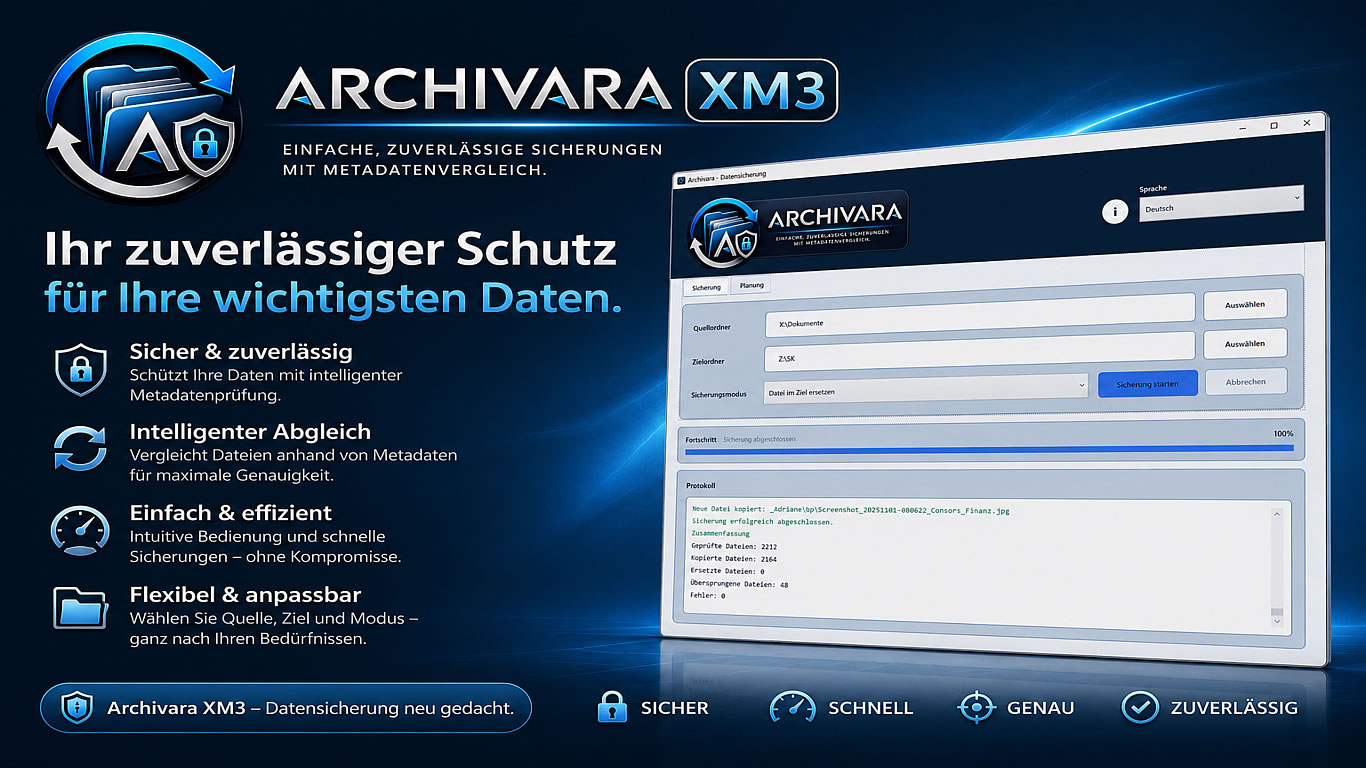
Archivara XM3 backs up selected folders to a destination directory and detects changes using metadata comparison. Ideal for local backups, external drives, and scheduled backup plans.
Archivara XM3 is a lightweight backup application for Windows that helps users back up files and folders in a simple, transparent, and repeatable way.
The software scans selected source folders recursively, preserves the folder structure in the backup destination, and compares existing files using metadata. Unchanged files are skipped, while changed files can either replace the existing backup file or be stored as a new version, depending on the selected backup mode.
Archivara XM3 supports manual backups as well as scheduled backups for daily, weekly, monthly, or one-time runs. The built-in log shows which files were checked, copied, replaced, skipped, or reported with errors.
Features:
- Manual backup of selected folders
- Scheduled backups with multiple source folders
- Backup to local folders, external drives, or accessible network drives
- Metadata comparison to detect changed files
- Backup modes: replace, version number, or timestamp
- Preserves folder structure
- Progress display and detailed log
- Optional startup with Windows
The software scans selected source folders recursively, preserves the folder structure in the backup destination, and compares existing files using metadata. Unchanged files are skipped, while changed files can either replace the existing backup file or be stored as a new version, depending on the selected backup mode.
Archivara XM3 supports manual backups as well as scheduled backups for daily, weekly, monthly, or one-time runs. The built-in log shows which files were checked, copied, replaced, skipped, or reported with errors.
Features:
- Manual backup of selected folders
- Scheduled backups with multiple source folders
- Backup to local folders, external drives, or accessible network drives
- Metadata comparison to detect changed files
- Backup modes: replace, version number, or timestamp
- Preserves folder structure
- Progress display and detailed log
- Optional startup with Windows
Choose a license edition
System requirements
Windows 10 or Windows 11, 64-bit. Requires the .NET 8 Desktop Runtime unless it is already included in the installation package. Backups require read access to the source folders and write access to the selected backup destination.