Current version: 2.0.0
Core software
Smart Renamer 2.0
Rename files, folders and subfolders quickly and cleanly
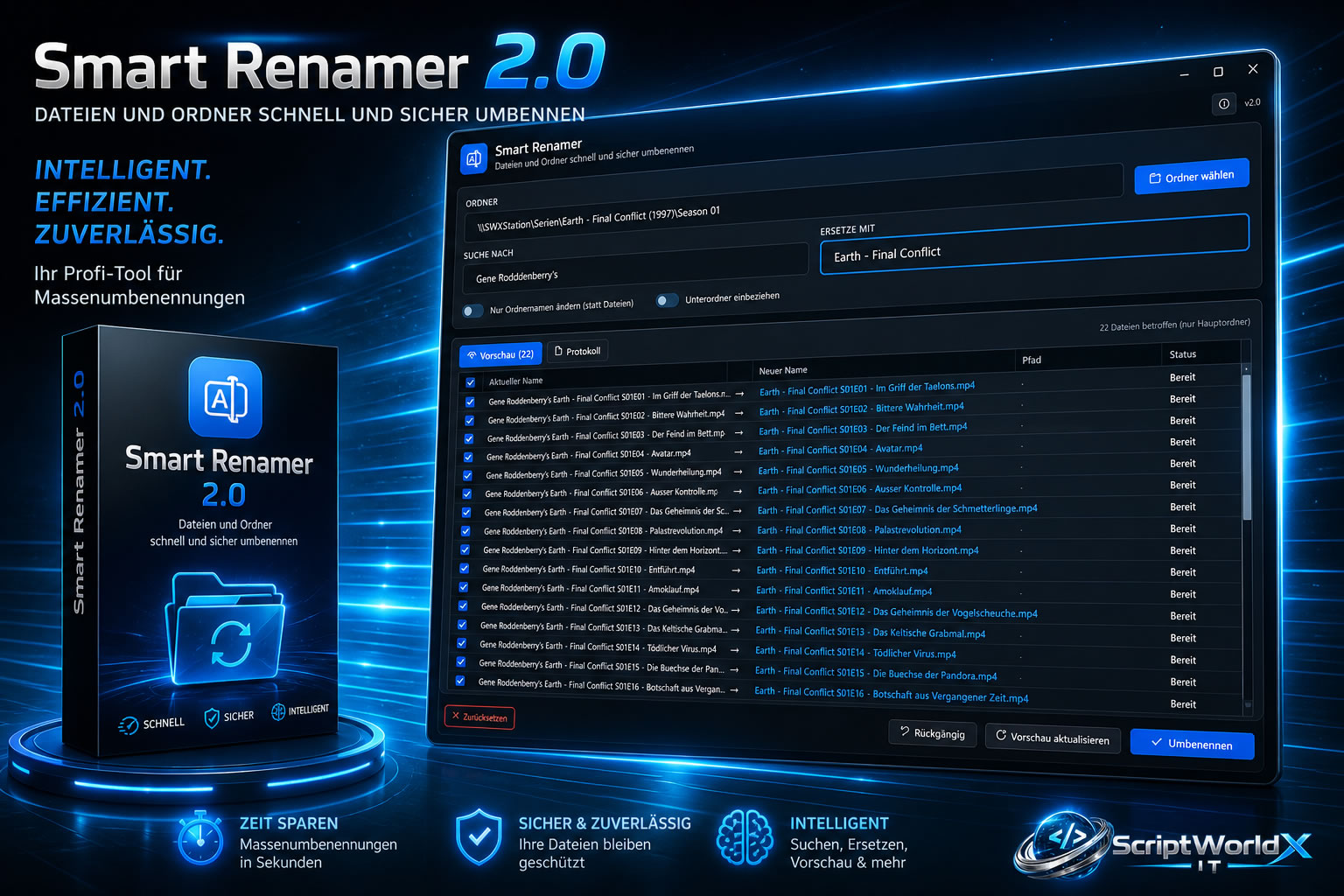
Smart Renamer 2.0 is a practical tool for quickly renaming multiple files, folders and subfolders. Ideal for structured filenames, projects, backups and large file collections.
Smart Renamer 2.0 helps you rename files, folders and complete subfolder structures quickly, cleanly and efficiently.
Version 2.0 introduces a new modern design while keeping the proven feature set. Smart Renamer is ideal for users who regularly organize large amounts of files or directories, such as images, documents, projects, backups, music files or media folders.
With Smart Renamer, names can be adjusted, standardized and structured systematically. This saves time, reduces manual errors and keeps large file and folder collections well organized.
Suitable for:
- Files
- Folders
- Subfolders
- Large file collections
- Project and backup structures
Version 2.0 introduces a new modern design while keeping the proven feature set. Smart Renamer is ideal for users who regularly organize large amounts of files or directories, such as images, documents, projects, backups, music files or media folders.
With Smart Renamer, names can be adjusted, standardized and structured systematically. This saves time, reduces manual errors and keeps large file and folder collections well organized.
Suitable for:
- Files
- Folders
- Subfolders
- Large file collections
- Project and backup structures
Choose a license edition
System requirements
Operating System: Windows 10 or Windows 11 (64-bit)
Processor: 1 GHz or higher
Memory: Minimum 8 GB RAM (recommended 16 GB or more)
Storage: At least 300 MB of free disk space
Display: Minimum resolution 1280x720
Additional:
- Read and write permissions for files and folders to be processed
- Administrator rights optional (depending on target directory)
Processor: 1 GHz or higher
Memory: Minimum 8 GB RAM (recommended 16 GB or more)
Storage: At least 300 MB of free disk space
Display: Minimum resolution 1280x720
Additional:
- Read and write permissions for files and folders to be processed
- Administrator rights optional (depending on target directory)